Everything you need to run a queue at your counter
A host stand for intake, a tablet for staff, a sign so customers scan to join, and a screen that shows the line — paired with the free Waitlist App and Pro display boards & scan-to-join QR codes.
As an Amazon Associate, Waitlist App earns from qualifying purchases. Prices & availability are on Amazon.
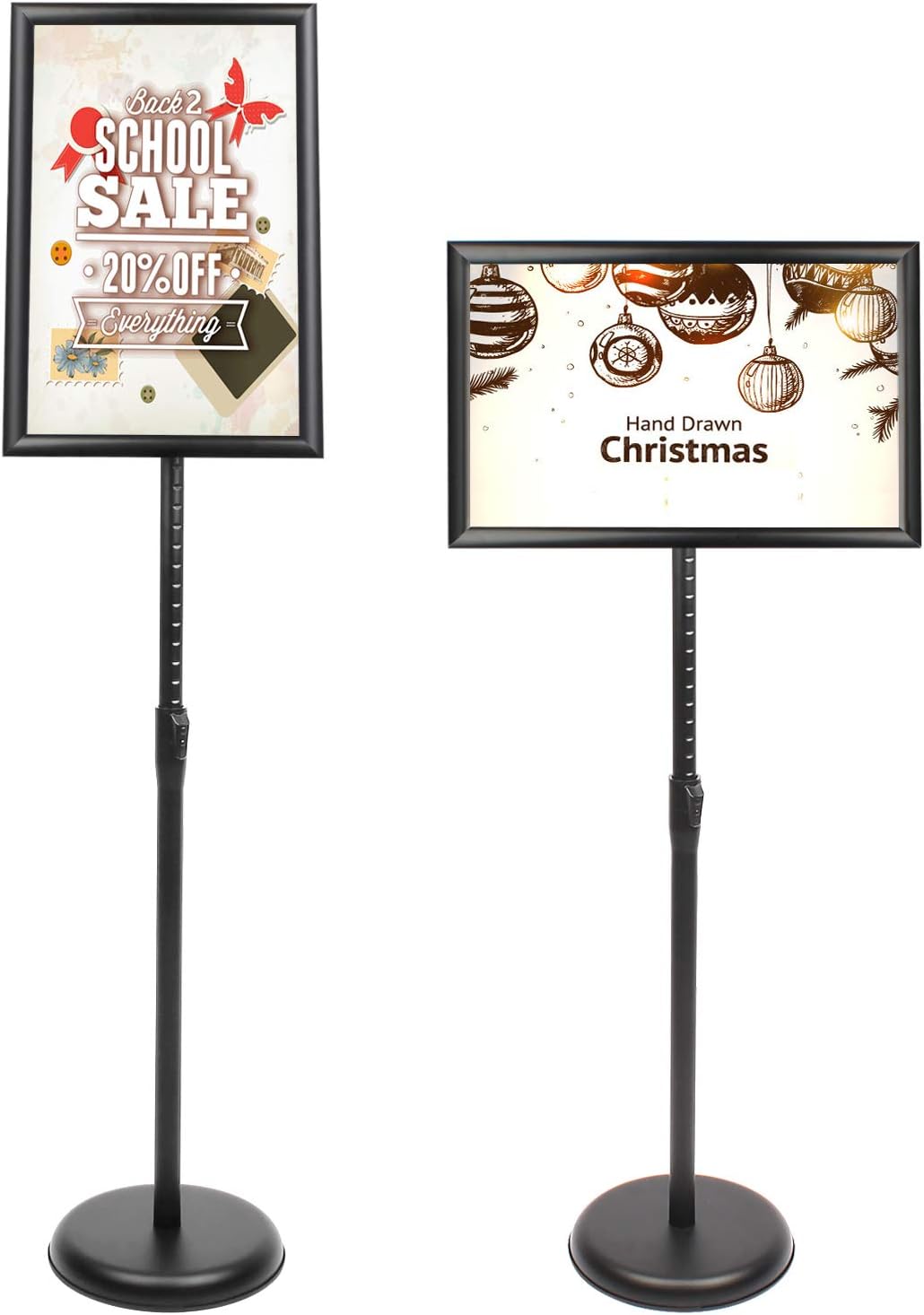
Adjustable floor sign holder
A pedestal sign stand for a printed "Scan to join the line" QR poster at your entrance.
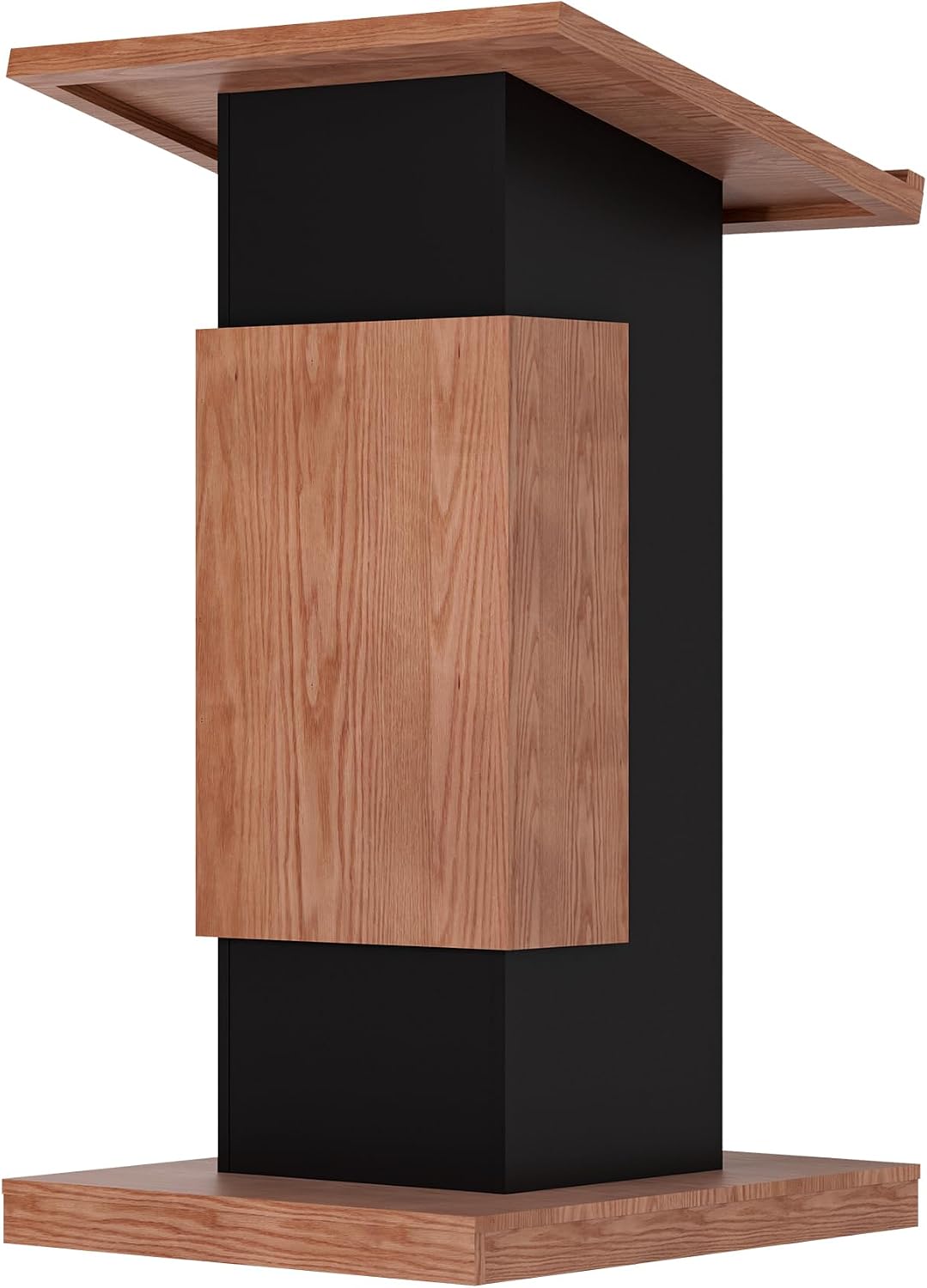
Lockable host podium
A front-of-house podium with lockable storage — a tidy home for the tablet running intake.
View on Amazon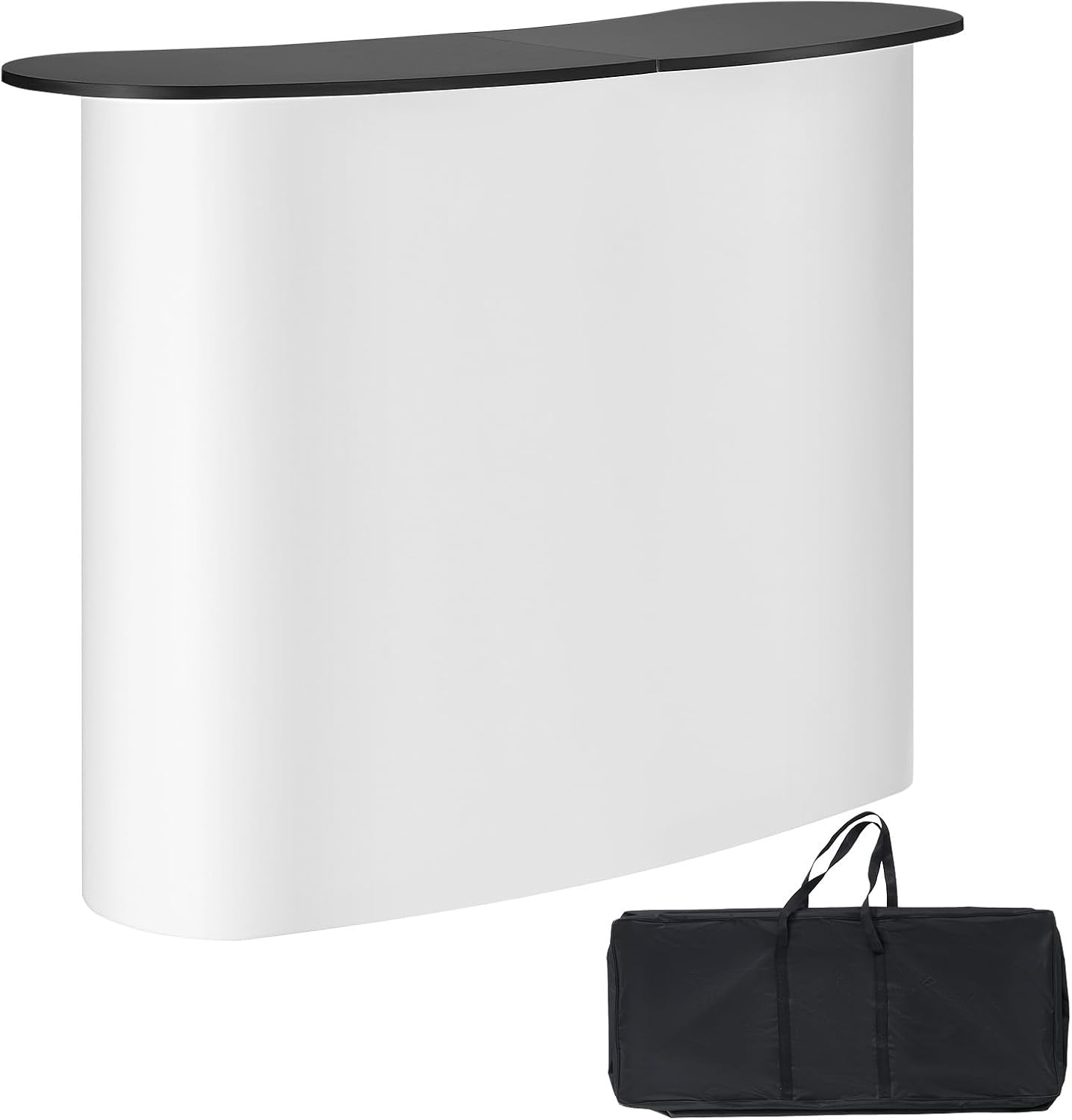
Retail / trade-show podium
A portable podium for pop-ups, events, and trade-show booths.
View on Amazon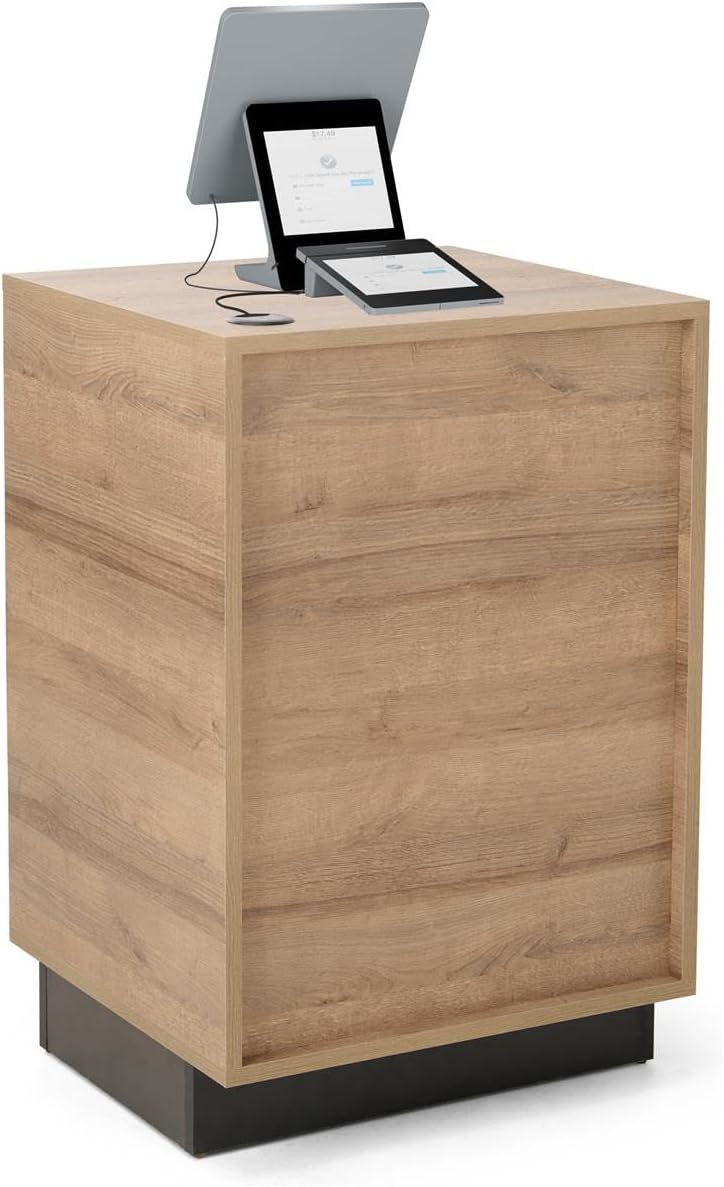
Host lectern / podium
A simple standing podium for greeting guests and managing the line.
View on Amazon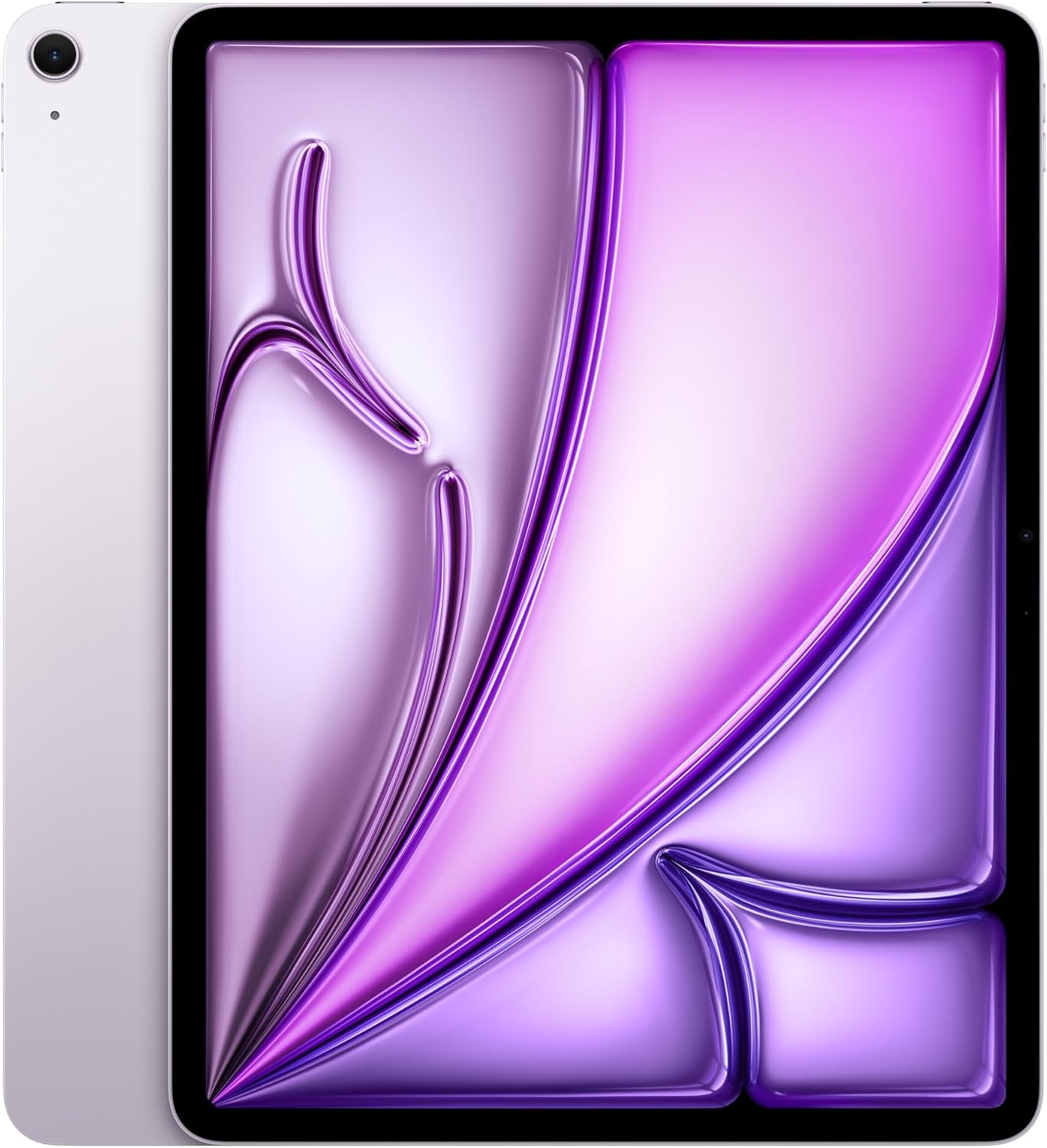
Apple iPad Air (13")
A big, fast screen for the host stand or a customer kiosk. iPads print chits via AirPrint to a network printer (Bluetooth chit printers are Android-only).
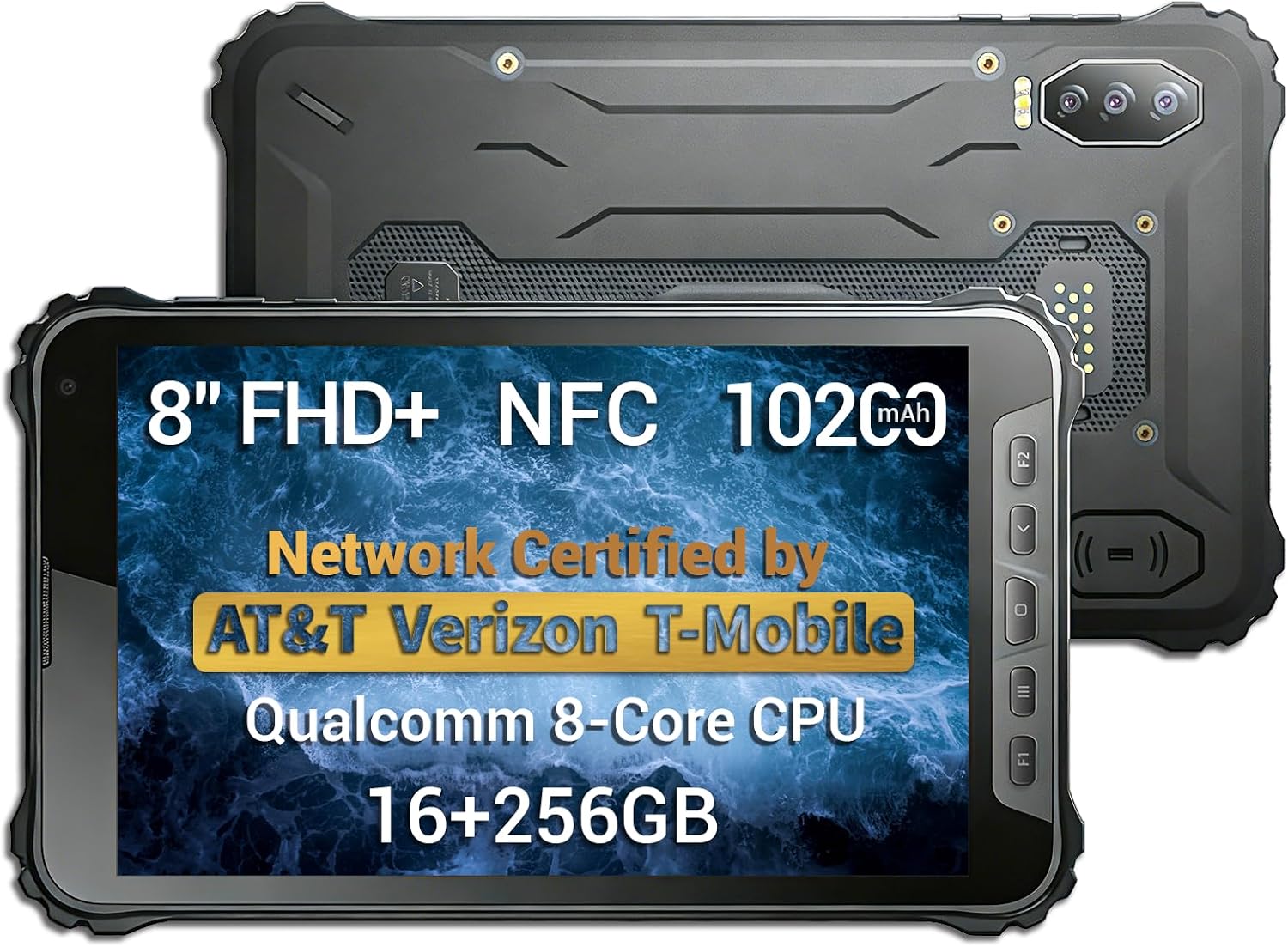
Android tablet
A budget Android tablet — on Android you can pair a Bluetooth thermal chit printer (below) directly from the app, no print server needed.
View on Amazon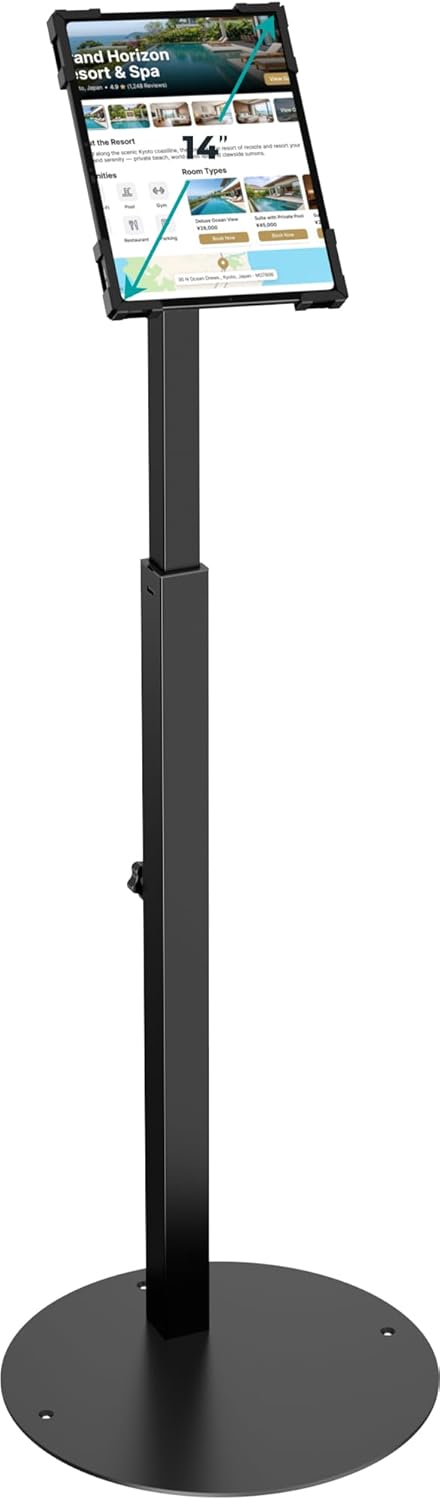
Anti-theft iPad kiosk stand
An adjustable, lockable countertop kiosk stand — turn an iPad into a self-serve "scan / tap to join the line" station.
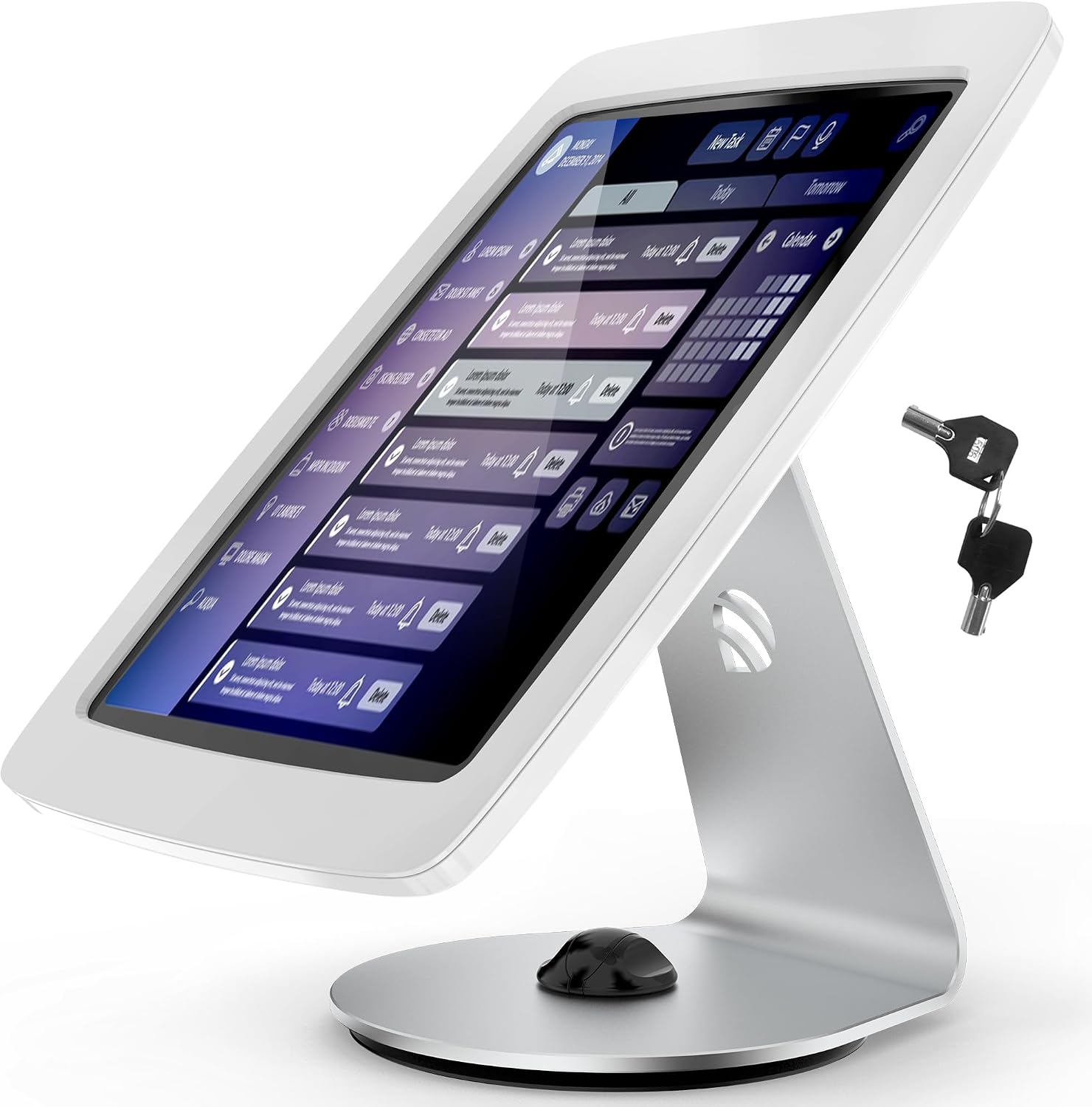
Tablet desk kiosk stand
A clean desktop stand that holds the tablet at the counter for staff intake or customer self-check-in.
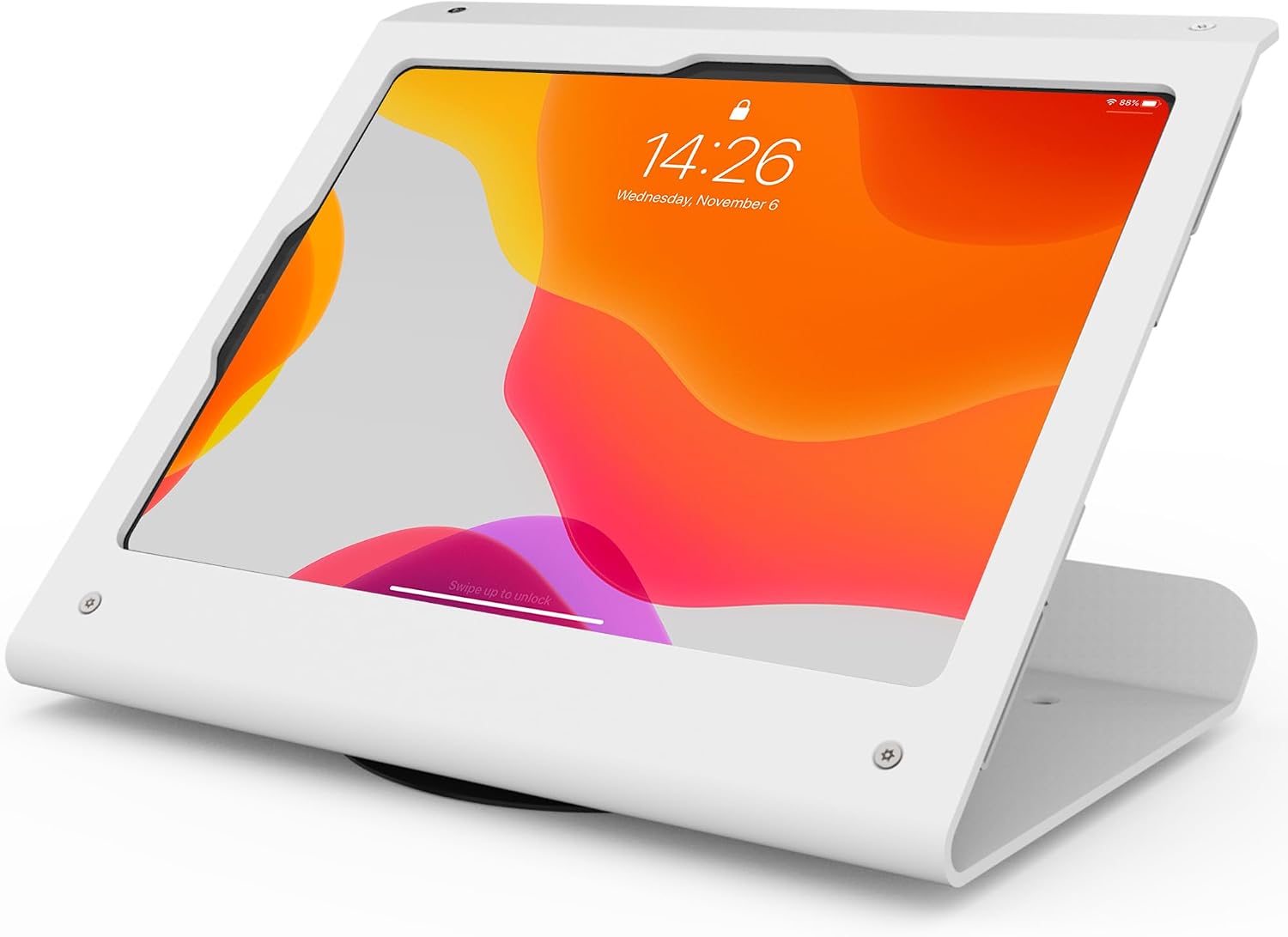
Anti-theft tablet POS stand
A secure POS-style stand that swivels for staff + customer — good for a fixed front-of-house station.
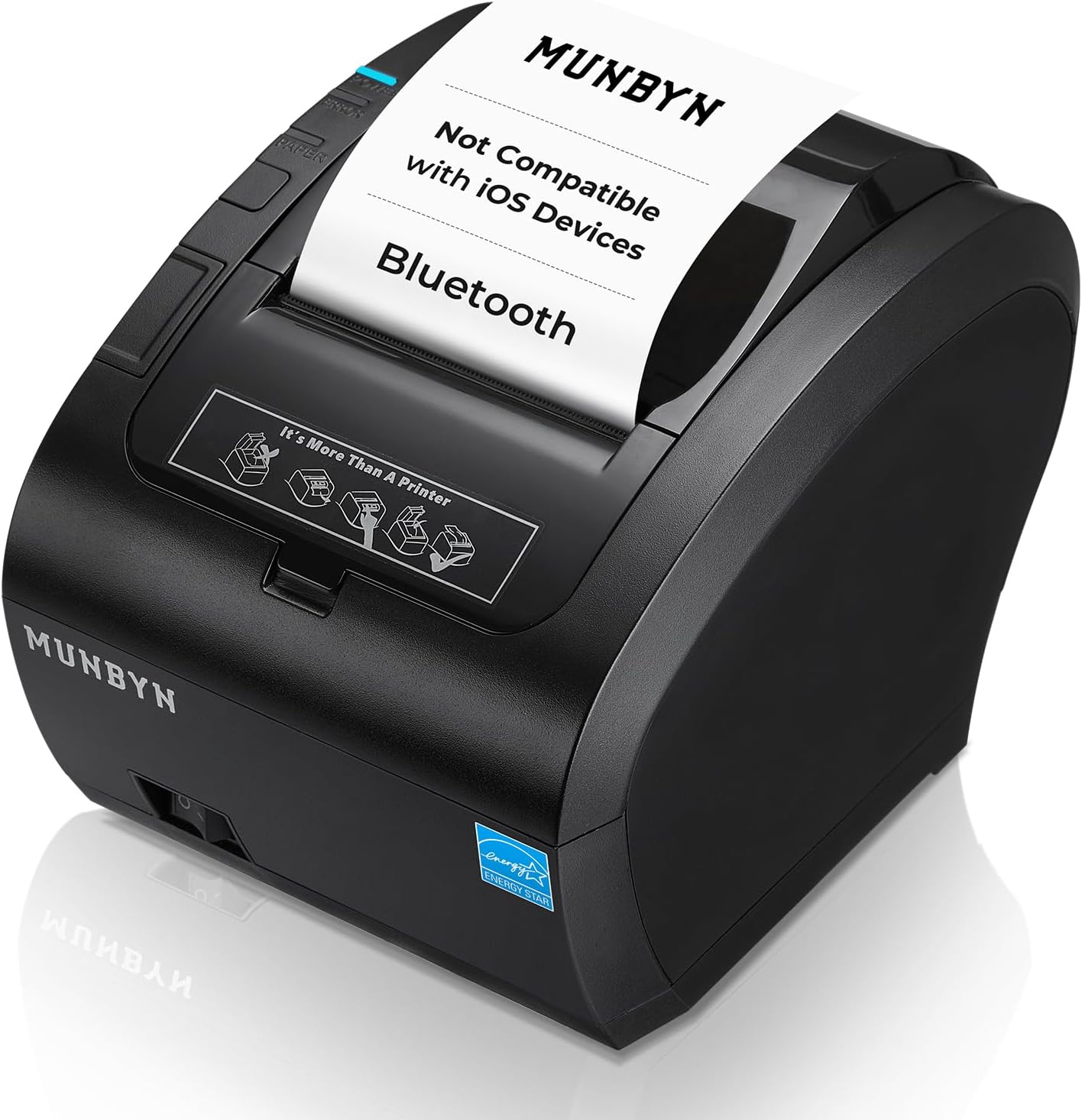
MUNBYN Bluetooth thermal printer (Android)
Print order/queue chits straight from the app over Bluetooth — Pro plan, ANDROID only. iPads/iOS can't use Bluetooth printers (no Web Bluetooth); on iPad, print via AirPrint instead.

Microsoft Surface Pro
A Windows 2-in-1 that runs the app in Chrome/Edge — and, unlike an iPad, can pair a Bluetooth thermal chit printer directly.
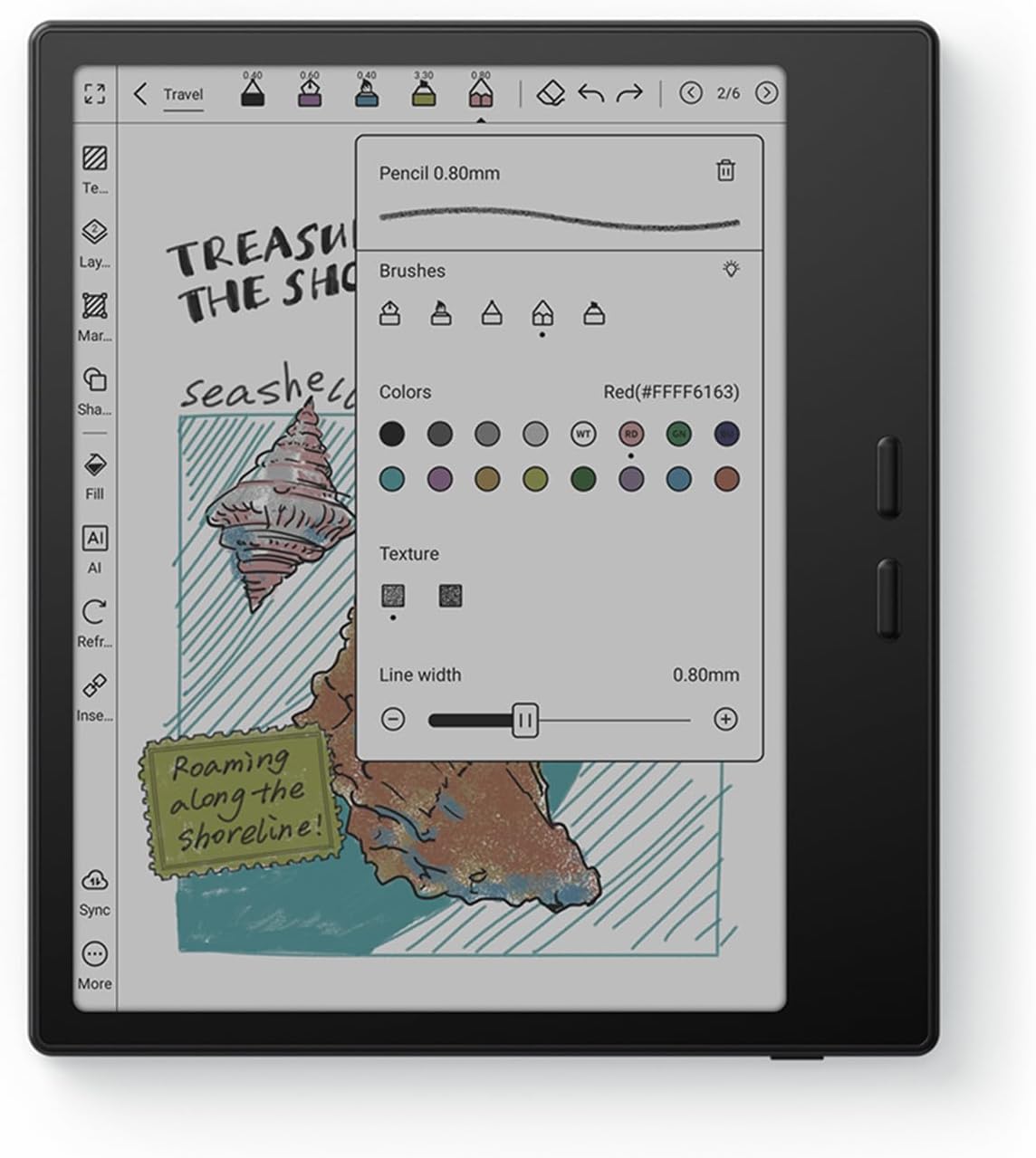
BOOX Go Color (e-ink tablet)
A glare-free color e-ink tablet — easy on the eyes for an always-on counter screen in bright, window-lit spaces.
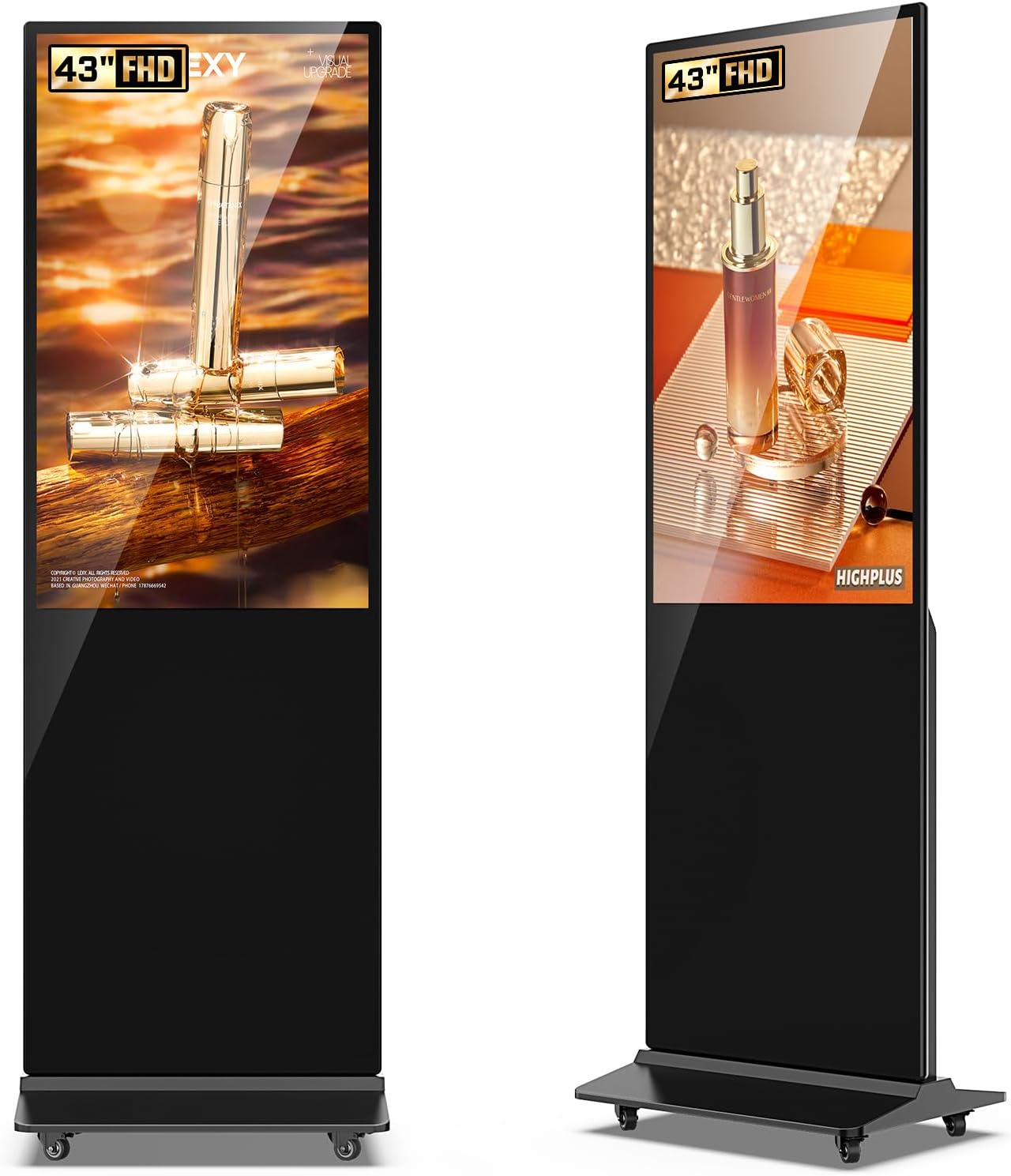
Standing touchscreen kiosk
A free-standing touchscreen — point it at your queue's public join page for a walk-up "tap to join the line" station.
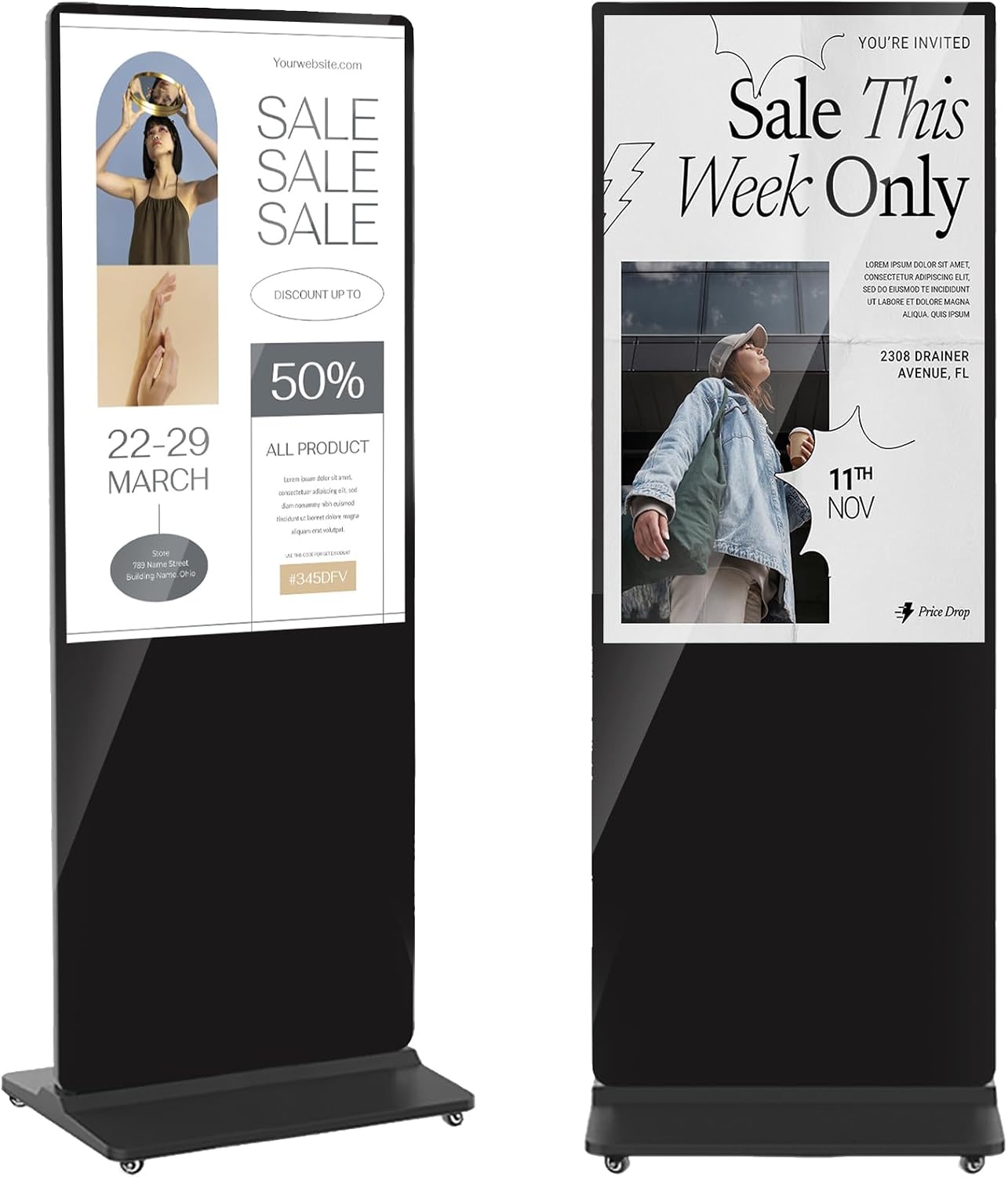
Interactive advertising kiosk
A standing interactive display that doubles as signage and a self-serve join station between customers.
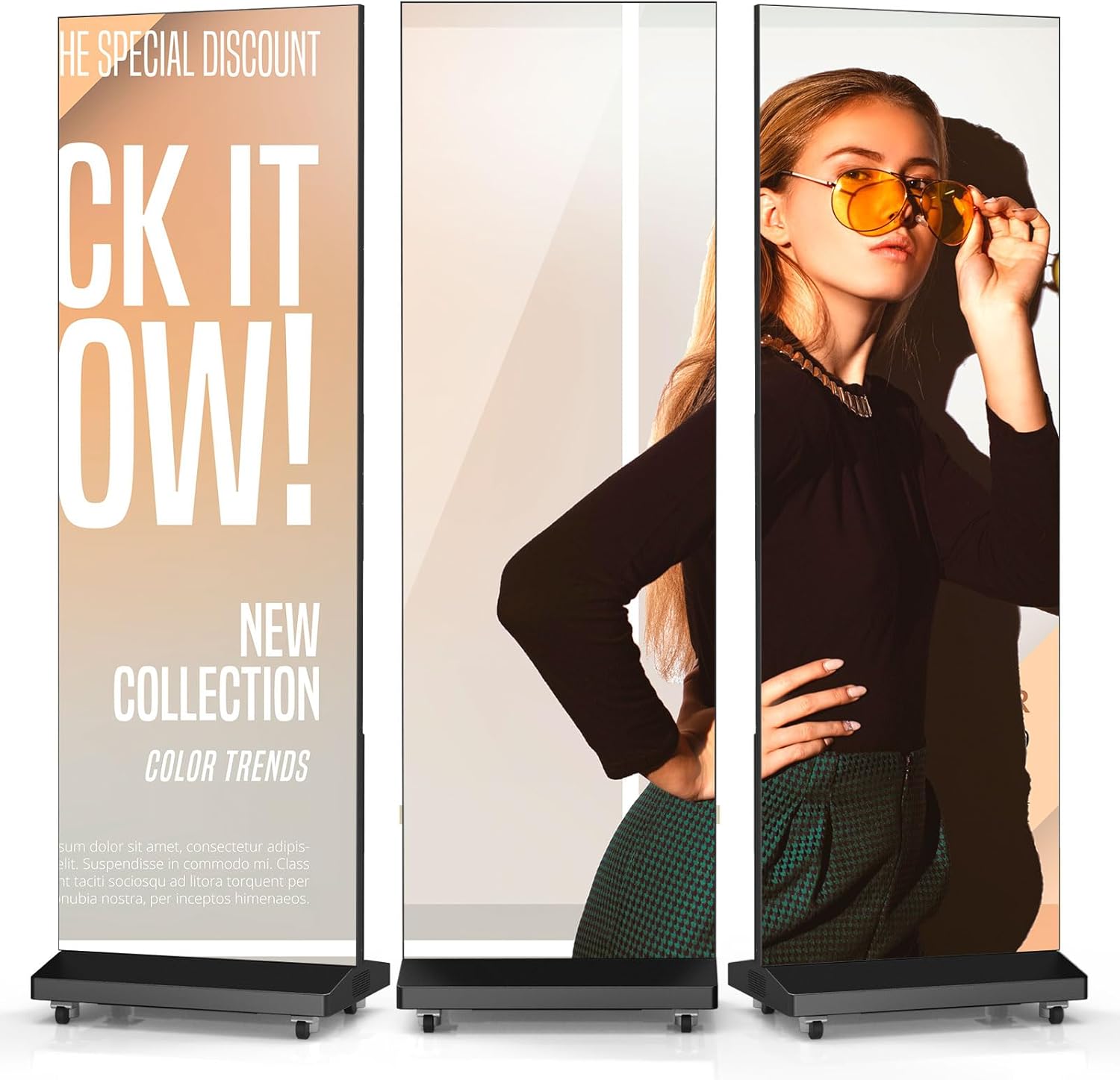
Foldable splicing display
A larger display for a "Now serving / Up next" board so customers can watch the line move from across the room.
Popular setups — buy them together
Pre-matched kits for the most common ways to run a queue.
Self-serve check-in kiosk
Customers add themselves to the line
Stand a tablet at the entrance on a locking kiosk mount and put a "scan or tap to join" QR sign beside it. Walk-ins add themselves — no one waits at the counter.
Front-of-house host stand
Staff run the line from one station
A podium up front with a tablet your host uses to add, notify, and seat customers — plus a Bluetooth printer (on Android) for order/queue chits.
Lobby waiting board
Show the live queue on a screen
Put the live "Now serving / Up next" board on a screen in your waiting area so customers can see the line move — pair with a QR sign so they can also track on their phone.
The gear is half of it — the app runs the queue
Start free on any tablet — add customers, notify them when it's their turn, no signup. Upgrade to Pro for scan-to-join QR codes, a live display board for your screen, and automatic customer texting.
QT
Waitlist App assistant