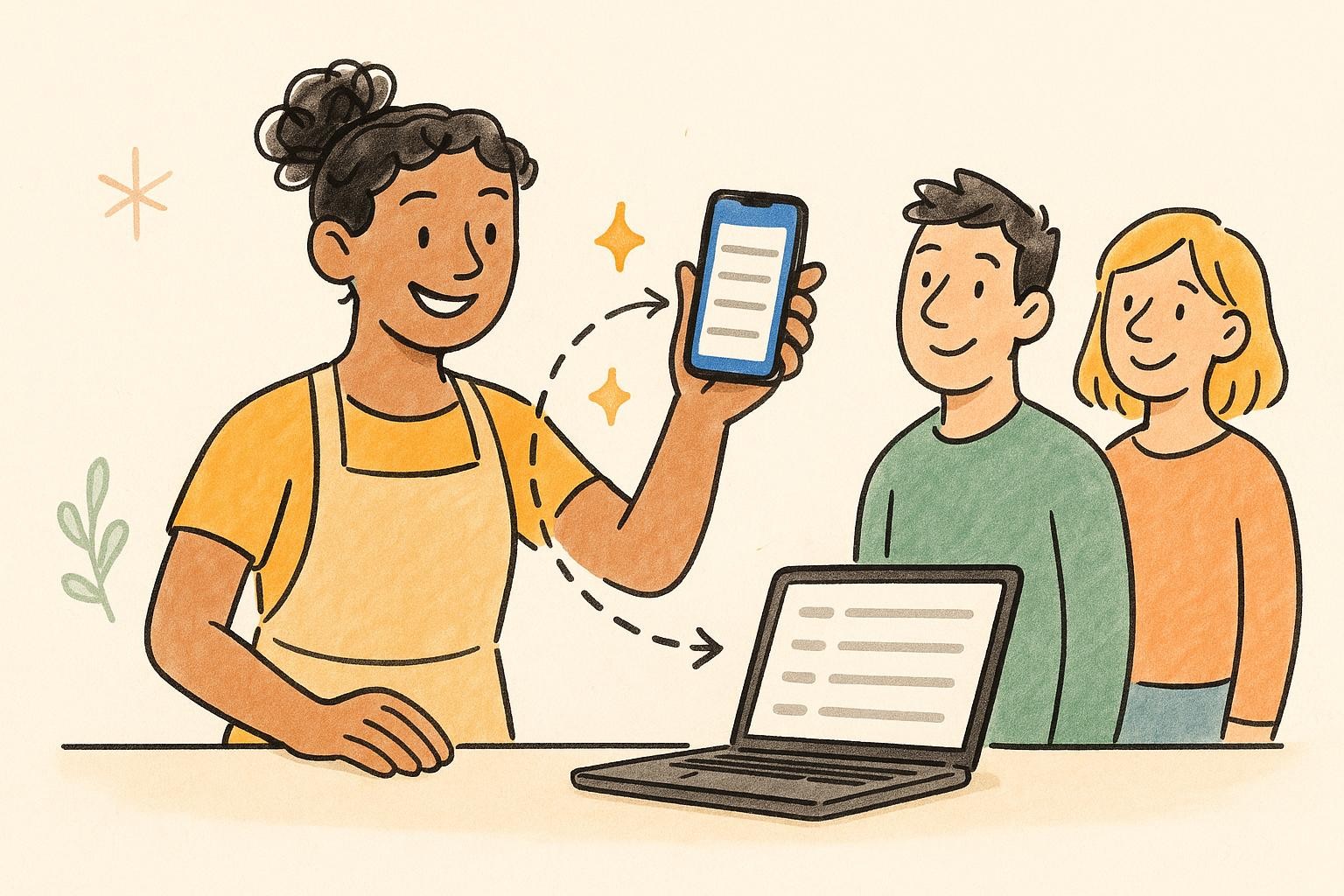
Every customer gets a private link to a live page — their exact place in line, live wait, and one-tap controls to update their party size or cancel if plans change.
You choose what they see. Position, people ahead, and estimated wait — surface as much or as little as fits your line.
They manage their own spot. Change party size or cancel right from the link — the update lands on your board automatically.
Bella Vista Trattoria
Italian · Downtown
Your place in line
You're next!
people in groups ahead
Est. wait ~ min
Your party size
You're too close to the front to edit — please see the host.
Updates automatically
Cancel your spot?
You'll lose your place in line.
You've cancelled your spot
You're no longer in line.
Update party size
How many in your party?
Max — bigger group? See the host.
Bella Vista Trattoria
Menu
Live demo — watch it climb, tap Menu, edit party, or Cancel
Add walk-ins in seconds, track party sizes, and watch wait times live. One tap to notify, seat, or reorder. Works offline on any phone or tablet.
Tap to manage. Notify, seat, or send to the back — no menus to dig through.
Live wait badges. Green, amber, red — read the whole line at a glance.
Tonight's line
LiveSofia M.
Party of 2 · waiting
The Patels
Party of 2 → Party of 4
Liam R.
Cancelled — freed the spot
The Patels updated their party size — no call to your desk.
Party grew? Running late? Customers update their party size or cancel their spot right from their tracking link — and the change lands on your live board automatically. No phone tag, no crossed-out names.
Edit or cancel in one tap. From the same link they use to watch the line — no app, no login.
Your board stays in sync. Changes flow straight to your queue — cancellations free the spot automatically.
While customers watch their place in line, give them a tap straight to your food or services menu. Upload a PDF or link your own page — and print the QR for your counter, tables, or door.
PDF or link. Your menu, your way — swap it anytime and the printed QR keeps working.
Printable QR included. Put it on tables, the door, or the counter — scanning opens the same menu.
Menu
Tomato, basil, garlic
San Marzano, mozzarella
Pecorino, cracked pepper
Espresso, mascarpone
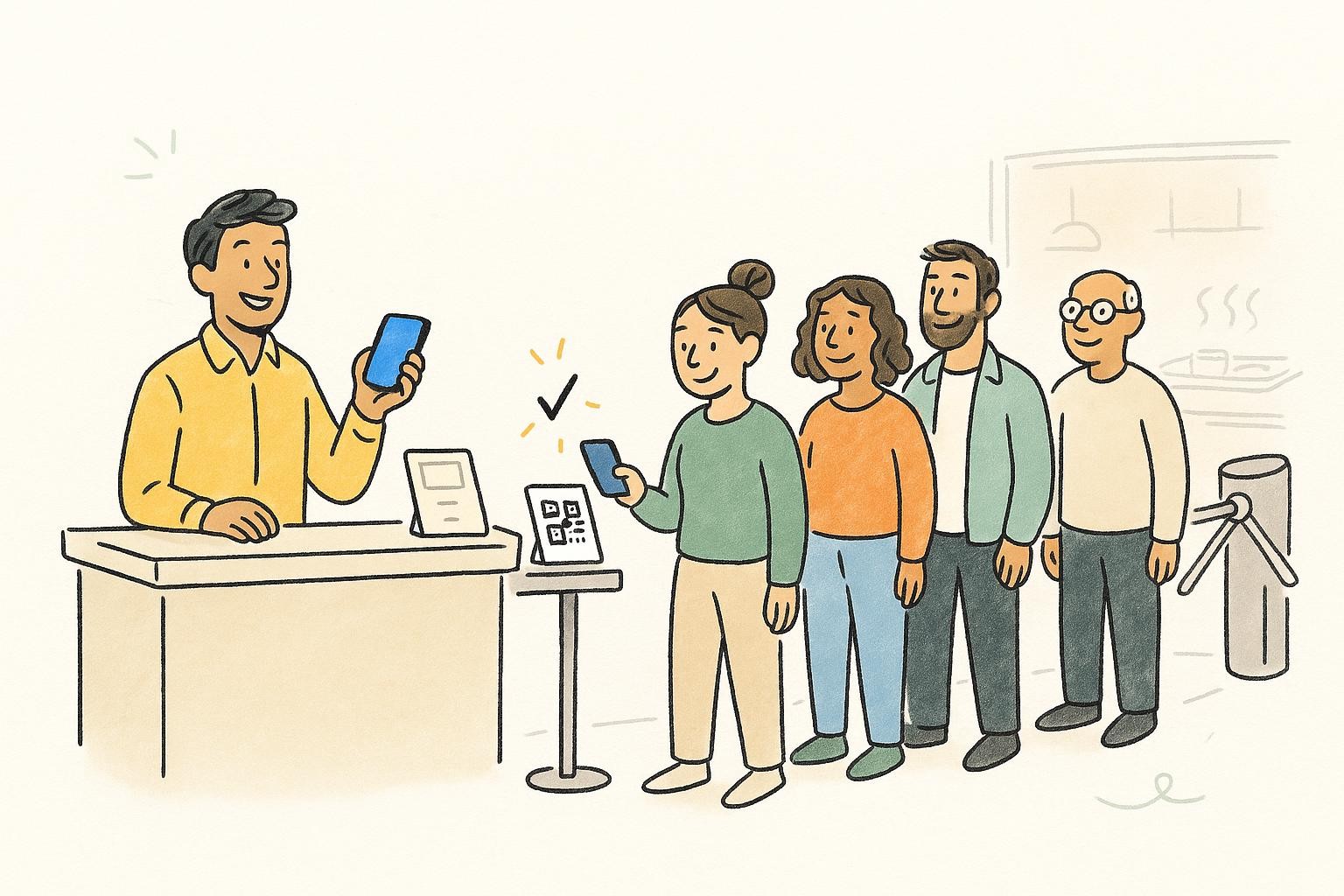
Print a scan-to-join QR code for your door or counter, and customers join the line from their own phone — no typing for your staff, no app to download.
Scan to join. A custom join form captures exactly the fields you need.
Embed it on your site. Drop the waitlist widget on your own website (Developer plan).
Scan to join the line
bella-vista.waitlistapp.org
Bella Vista
LiveNow seating
A 12
Up next
A 13 · Sofia
A 14 · Patel
A 15 · Liam
Share a view-only link and show the live line on any TV, monitor, or kiosk. Anyone can watch it update — no one can touch your queue.
Any screen, read-only. Open the link on a display — it just shows the line.
Privacy modes + themes. Show names or just numbers, in five color themes.
Share private editor links so your staff can run the line and take reservations from their own phones — no password sharing, no extra accounts.
Up to 5 links. Add more with packs as your team grows.
Revoke in one tap. They manage the line and bookings — nothing else.
Team access
3 of 5 linksMaria
/edit/•••• · Front desk
Dev
/edit/•••• · Host
Sam
/edit/•••• · Floor
Create editor link
You're on the list at Bella Vista
We'll let you know the moment your table is ready. Tap to watch your place in line.
Move past phone hand-offs. Managed email and SMS go out from our servers automatically the moment a customer is added, notified, or seated.
Managed email + SMS. No account of your own to wire up (Pro+).
Auto-triggers & your own Twilio. Fire on queue events; bring your own carrier on Premium.
Start free, no signup. Upgrade to Pro whenever you want the customer links, display board, and team access.