Customer operations for businesses that serve people in person.
Walk-ins, appointments, consent forms, customer history and payments — one place.
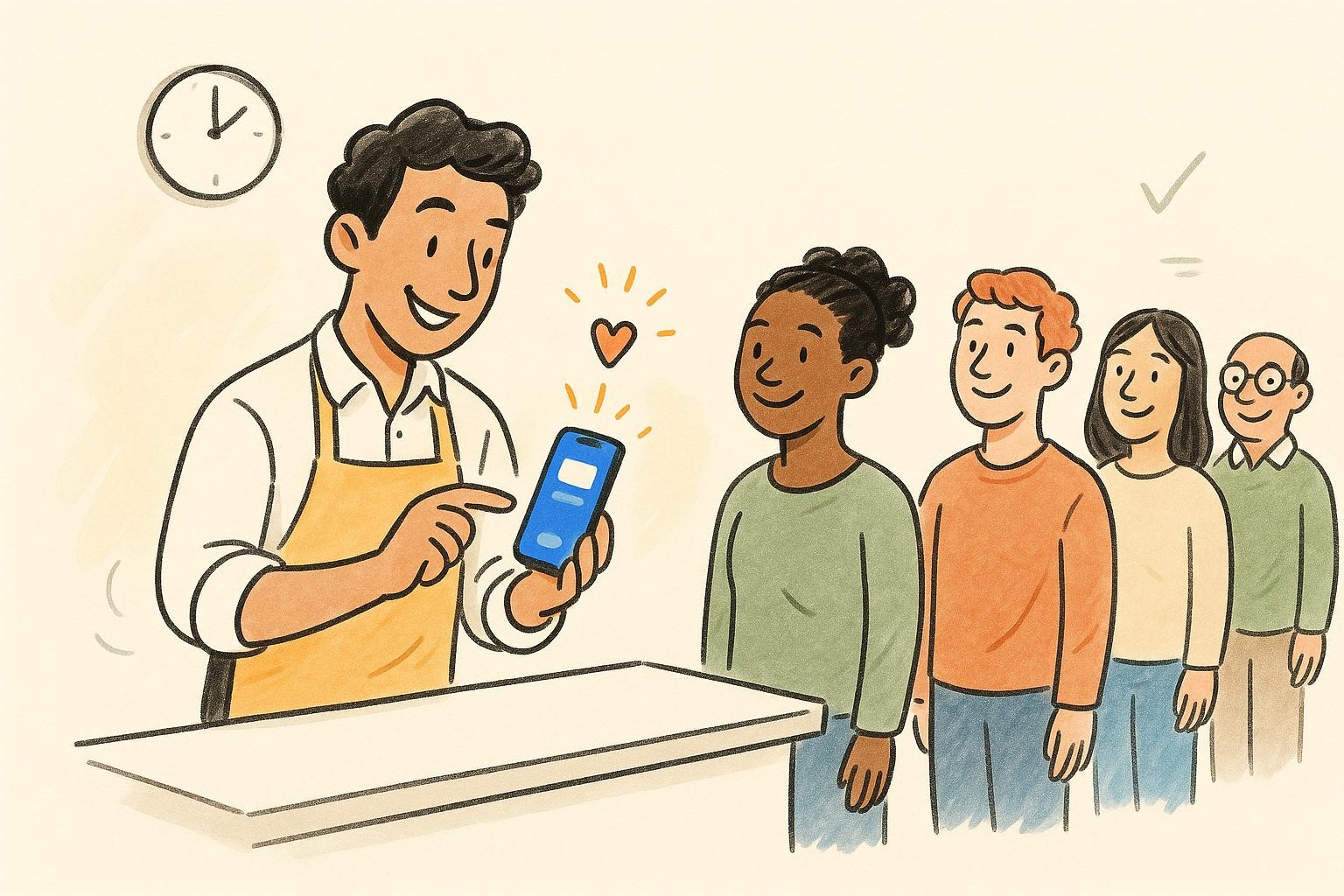
Every customer, start to finish.
From the moment they walk in to the moment they pay — and the next time they come back.
Industries
What kind of business do you run?
Pick yours and we'll set up your free account for it — the right words, screens and messages from the first tap.
Setting up for
Start your free waitlist
Just your email — no card, no password. Your account opens already set up for your business.
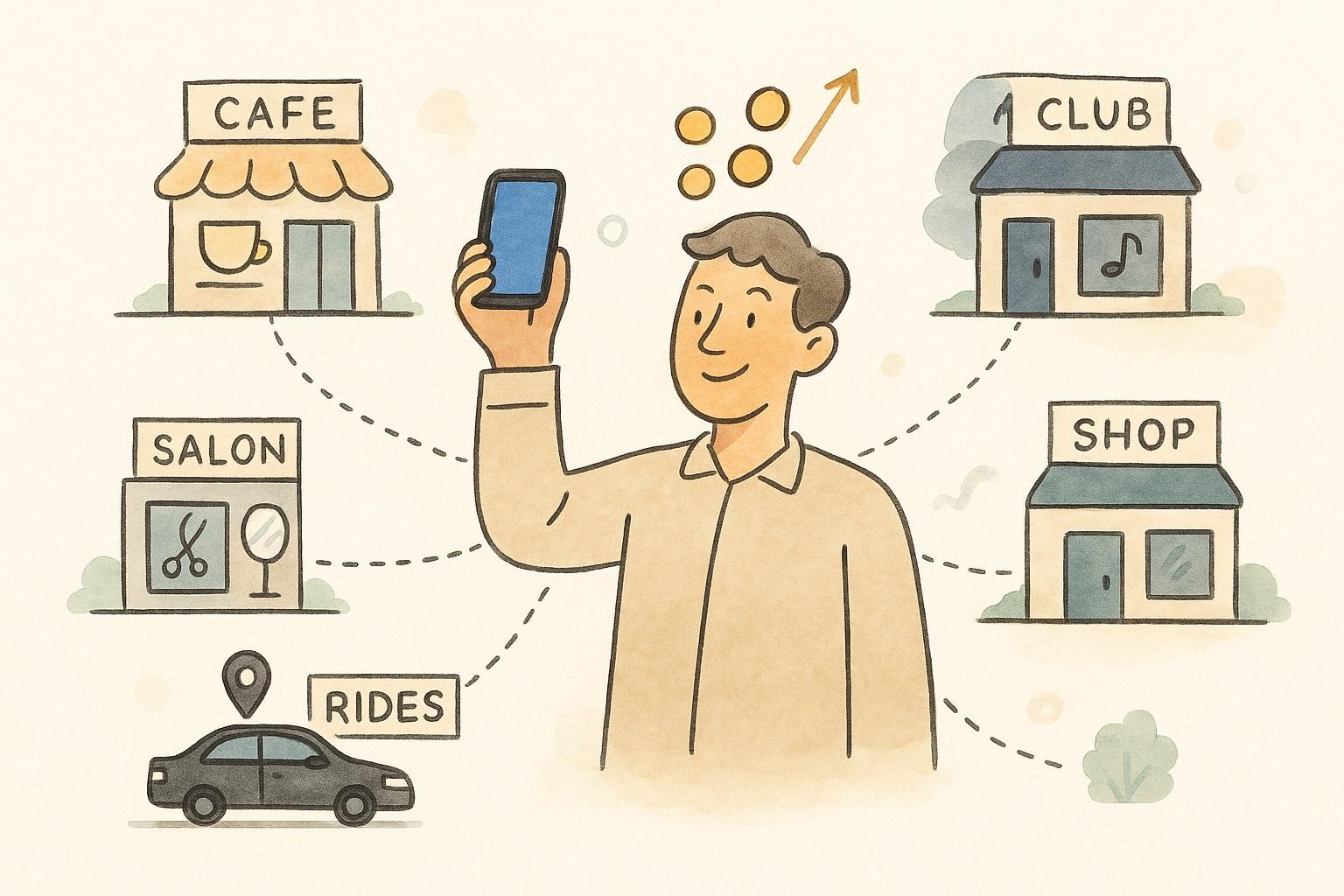
When you're ready for more
Free to start. Grow into the rest.
Each plan adds to the one before — and your customers, settings and history come with you.
-
Starter
Take payments
Sell from your own business page and get paid straight to your account with Stripe.
-
Pro
Text and WhatsApp your customers
Messages go out for you when customers join, are up next or have booked.
-
Enterprise
An AI assistant that answers for you
A phone number for your business, answered by an AI assistant that takes bookings — and chats with customers online.
- Consent forms signed before they arrive
- Every customer's visits in one profile
- Your own logo and colours
-
Google Calendar integration Enterprise Connect your Google Calendar and Waitlist App reads your busy times so customers can only book when you're free, then adds each confirmed booking to your calendar as an event. We use this access only to manage your bookings, and you can disconnect anytime. Included with Enterprise.
FAQ
Common questions.
Yes. The free board needs no account and has no time limit: run a line on your device, take reservations, and message guests from your phone. A free Starter account puts your line online — synced across devices, with live tracking links and scan-to-join QR codes. Paid plans add texts sent for you, your own branding, team access and more lines.
Yes. It's an offline-first queue app (a PWA) — once it loads it keeps working with no internet, and your waitlist and reservations are saved on your device. The line keeps moving even if the Wi-Fi drops.
On the free plan the app opens your own phone's SMS, WhatsApp, or email with a pre-filled message — you just tap send. On a paid plan the waitlist app sends those texts and emails for you automatically when a customer is added, notified, or seated.
Every customer gets a private tracking link — free on a Starter account — to a live page showing their exact spot in the queue, with no app for them to install. Pro adds an auto-calculated wait-time estimate and white-labels the page with your branding.
Your waitlist data stays on your device by default and is never sent to our servers unless you turn on a Pro feature that needs it — like customer tracking links or managed notifications.

Ready to simplify your queue?
Start free with just your email — or open the free board, no account needed.
QT
Waitlist App assistant