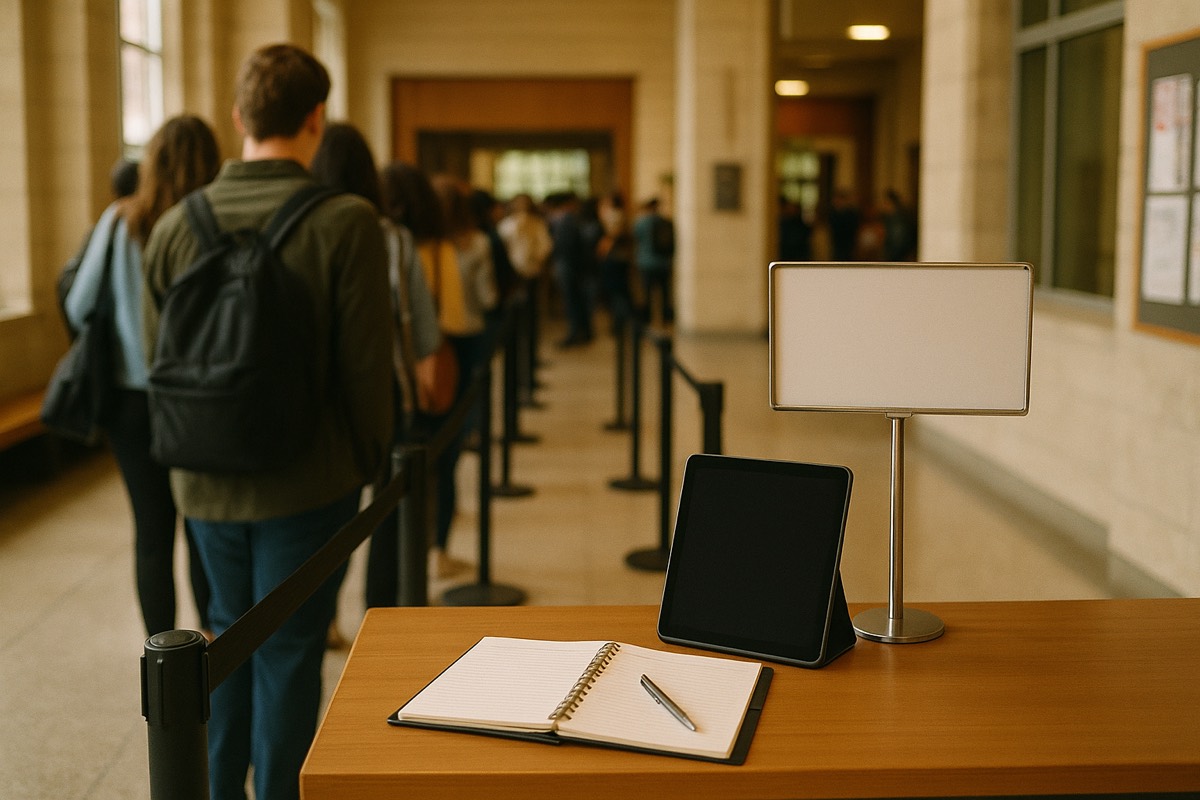
In the Gulf, the mall is the main public meeting place, and customers cannot see how long the wait is
In Bahrain, Saudi Arabia, and across the GCC, the mall isn't just for shopping. It's where families spend a Thursday evening, where friends meet for dinner, where people spend an afternoon in air conditioning instead of the heat outside. And on a busy night — a weekend, an Eid, any evening in Ramadan after iftar — the most popular restaurant upstairs and the busiest food-court counter have the same problem: a crowd standing in front of them, no clear line, and no information about how long the wait will be.
This guide is about a practical tool for that problem: a free, offline-first waitlist app that works on the device already on the host stand. It works at two sizes — a single shop, and a mall operator who wants several counters on one screen. The guide also explains why a food court of independent businesses is hard to organize, and what each vendor can do today.
Level one: a single shop, restaurant, or kiosk inside the mall
Start with the smallest case: one business — a shawarma counter, a family restaurant, a barber, a mobile-phone shop, a clinic in the medical wing. Each has its own queue, and each can manage it on its own phone or tablet for free.
It's a Progressive Web App: open waitlistapp.org/free in any browser, add it to the home screen, and it installs locally. There is no account to create, no card, and no monthly fee on the free tier. Switch the whole interface to Arabic (fully right-to-left), or keep English. Add a customer's name and party size; they get a position in line; when it's their turn a notification goes out over your existing phone plan.
The detail that matters in a Gulf mall specifically: it's offline-first. The queue is stored on the device, not in the cloud. When mall Wi-Fi is overloaded on a Friday night, the line is not lost. This layer is fully live today — any of the hundreds of independent tenants could open it this evening at no cost.
Level two: the mall puts several counters on one screen — today
A shopper in the food court doesn't want to check five counters one at a time; they want to look at one screen and see the status of every line. Part of that is possible today — with one condition.
If the queues are managed from a single account (a multi-brand food operator, or a mall team managing the waitlist on behalf of tenants), the app already does this: on a paid plan, a combined display shows multiple queues together, and when guests order from a QR code, a live order board shows each order moving from New to Preparing to Ready. View-only display links put that board on any TV or tablet without edit access.
So “one screen for the food court” works today as long as one operator manages the queues. It does not work when each counter is a separately owned business with its own account. Most food courts are organized this way.
The food court is a harder problem
A food court isn't one business with ten counters. It's ten businesses in one building, each owned separately, sharing the same customers and the same tables:
- Each vendor wants control of its own queue and does not want a neighbor to manage it.
- The customer thinks “I'll get a burger, my kids want the Indian counter, my wife wants the Lebanese place — who's fastest?”
- The mall operator wants the overview: which counters are busiest, where crowds are forming, the average wait across the whole court.
None of that is solved by a single-account queue. Today each vendor manages its own queue from its own account or from the free app, and each vendor can show its own queue on its own public display screen.
What is available today for the food court
This section describes what one operator or one vendor can do in the food court today. Everything in it is available now.
1. Locations and stations
A location in the account is a venue with a name, address, phone and an optional manager. Managing several locations from one account is an Enterprise feature. Stations can be created under each location, and each station sees only its own orders.
2. A combined screen for several queues
On a paid plan, a combined display shows several queues from the same account on one screen, on any TV or monitor. The privacy setting chooses how each guest appears: first name and last initial, a ticket number, a position number, or a custom label. The same label shows on the TV and on the guest's phone.
3. The customer joins on their own and follows their turn
A customer scans a QR code at the counter and adds themselves to the queue (free account). A kiosk page lets a customer pick which queue of the same account to join. The customer gets a private link to a page that shows their place in line updating live, so they can walk around the mall, and they can turn on browser alerts from that page.
4. Reports for each account
The Overview on every online plan shows people waiting now, active lines, guests seated today, and a line-size chart for each line. On a paid plan, Insights shows average wait, busiest hour, and a peak-hours heatmap by weekday and hour. These reports cover the queues of that one account.
Why the Gulf, and why now
There are two reasons this is built for Gulf malls. First, the culture: in Bahrain, Saudi Arabia, and the wider GCC, malls are year-round destinations — heat and heavy investment in retail and leisure (Saudi Arabia's Vision 2030 among them) keep visitor numbers high, and food courts are important. Peak seasons and rush hours happen regularly. Second, the product fits: fully Arabic and right-to-left today, free to start, and offline-first for a crowded mall where the network is not reliable at peak hours.
Start today: one counter, 60 seconds
You can use the app now. A single shop or food-court counter can be live in about a minute:
- Open waitlistapp.org/free on a phone or tablet.
- Switch to Arabic (or keep English).
- Tap “Add to Home Screen” — it installs locally.
- Choose your industry preset and add your business name.
- Add your first customer. Your real queue is now working.
No account, no card, no email. When you're ready for combined displays and view-only screens, a paid plan is available.